
How to Check What ChatGPT Says About Your Business
Open ChatGPT, ask the way a stranger would, and read the answer. Here is the two-minute check, what to look for and what to do if your business is missing.
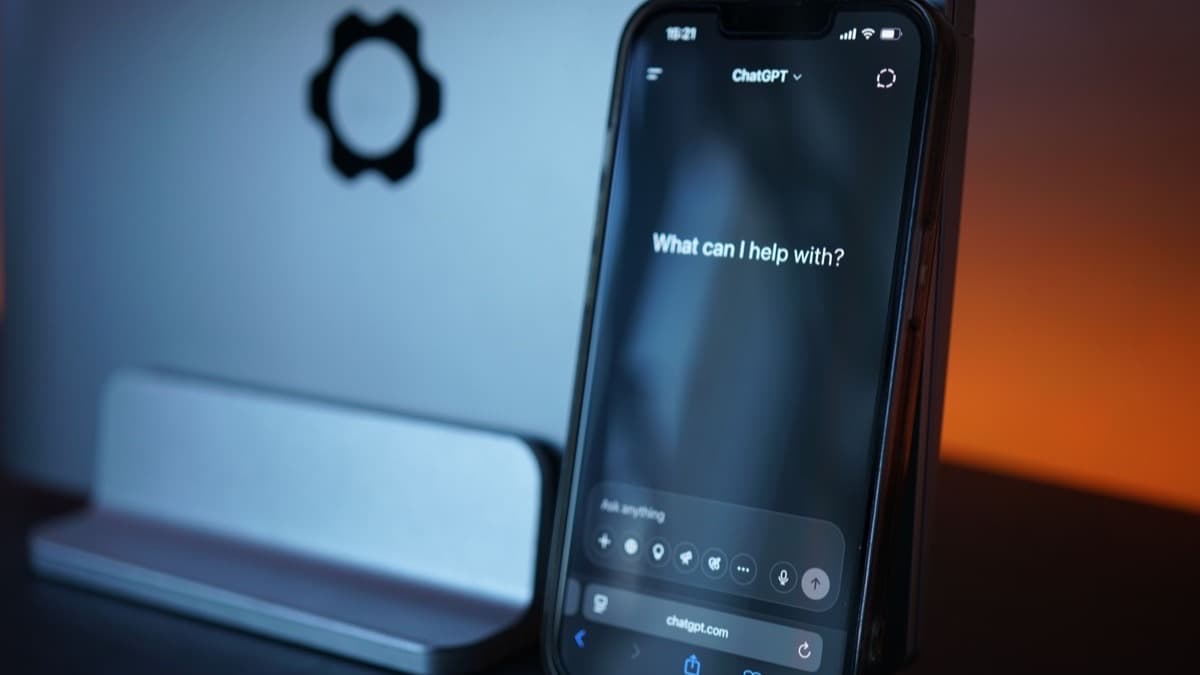
To check what ChatGPT says about your business, open a new chat, ask the question a stranger would ask (not your business name), and read who gets named and how. It takes about two minutes and costs nothing, and most owners have never done it. This check is one step in answer engine optimization for small business.
Ask it "tell me about my business" and you have handed it the answer, which makes for a poor test. Ask it the way somebody who has never heard of you would ask: "what is the best air conditioning repair in Pharr TX?"
How do you run the check step by step?
- Open a fresh chat. If you use ChatGPT while signed in, its memory of you can color the answer, so a signed-out or private window gives a cleaner test. OpenAI's help center says people who are not signed in can also use ChatGPT's web search.
- Ask the way a customer would, and include the city. OpenAI says ChatGPT search can use location information for local results, but do not count on it. "Emergency dentist open Saturday McAllen" works better than "dentist near me".
- Write the question in a few forms: a service and a city, a problem ("my water heater is leaking in Edinburg"), and a comparison ("who is better, X or Y"). Try one in Spanish too if you serve Spanish speakers.
- Ask a follow-up, such as "which of those has the best reviews?" Then, only after the stranger test, ask about your business by name to see how it describes you.
- Repeat the same question two or three times. Answers can change from one ask to the next, and the names that keep coming back are the ones that matter.
- Write down the date, the question, who was named, where you appeared and anything wrong. Ask again in a month and compare.
Short on time? The free check on Growrank's scan page does the first step for you. Type in your website and it shows the answer ChatGPT gives people looking for a business like yours.
What should you look for in the answer?
- Does it name your business at all?
- If it does, are you first or an afterthought at the bottom?
- How does it describe you, and is that how you would describe yourself?
- Which competitors does it name, and what does it say about them?
- Is anything it says about you out of date or plainly wrong?
That last one catches people off guard. An assistant can repeat old information with total confidence: a former address, a phone number you changed, a service you stopped offering. OpenAI's own help center notes that search results and citations can be incomplete, outdated or incorrect.
Why check more than one assistant?
ChatGPT, Gemini, Claude and Perplexity can all give different answers, because they work differently and can draw on different sources. Being named by one and ignored by three is common, and it tells you something specific about where your presence is thin. For ideas on what to ask, see the 10 questions customers ask AI.
What do you do with a bad answer?
If the assistants do not name you, nothing is broken. There is simply not enough about you out there for an assistant to feel safe recommending you. That is fixed by accumulating real mentions on real sites over time, and by making your own site unmistakably clear about what you do and where. A step-by-step version is in how to get recommended by ChatGPT: a 30-day plan.
If a competitor gets named and you do not, the useful question is what they have that you lack. A competitor shows up in ChatGPT and you don't: what to do walks through how to find out.
If an assistant names you with wrong information, the fix is more direct: correct it at the source. That means your Google Business Profile, the directories that list you and your own pages. When an assistant searches the web it can pick up corrected pages and listings, though nobody controls how fast.
And if you would rather not run this by hand every month, that is what the Growrank dashboard does. It asks ChatGPT, Gemini, Claude and Perplexity every week and keeps the history so you can see it move.
Frequently asked questions
How do I check what ChatGPT says about my business?
Open a new chat, ask the question a stranger would ask, such as "best air conditioning repair in Pharr TX", and read who gets named and how they are described. Repeat it a few times and on other assistants, then write down the results. The scan page on Growrank does the first check for you.
Why does ChatGPT give different answers each time?
A language model generates each reply fresh, so the wording and sometimes the names change from one ask to the next. Your location, your phrasing and whether the assistant searches the web also play a part. Ask a few times and look for the names that keep coming back.
What if ChatGPT has wrong information about my business?
Correct it at the source. Update your Google Business Profile, the directories that list you and your own website so they all agree. Assistants that search the web can pick up the fixes, though nobody controls how quickly. Ask again in a few weeks and compare.
How often should I check what AI says about my business?
Monthly is a sensible rhythm for most small businesses, plus an extra check after you change your website, profile or listings. A single check is a snapshot, because answers shift over time. The Growrank dashboard repeats the check weekly and keeps the history.
Keep reading
Want to see what AI says about your business? Free for 7 days, then $39/mo.
Start free